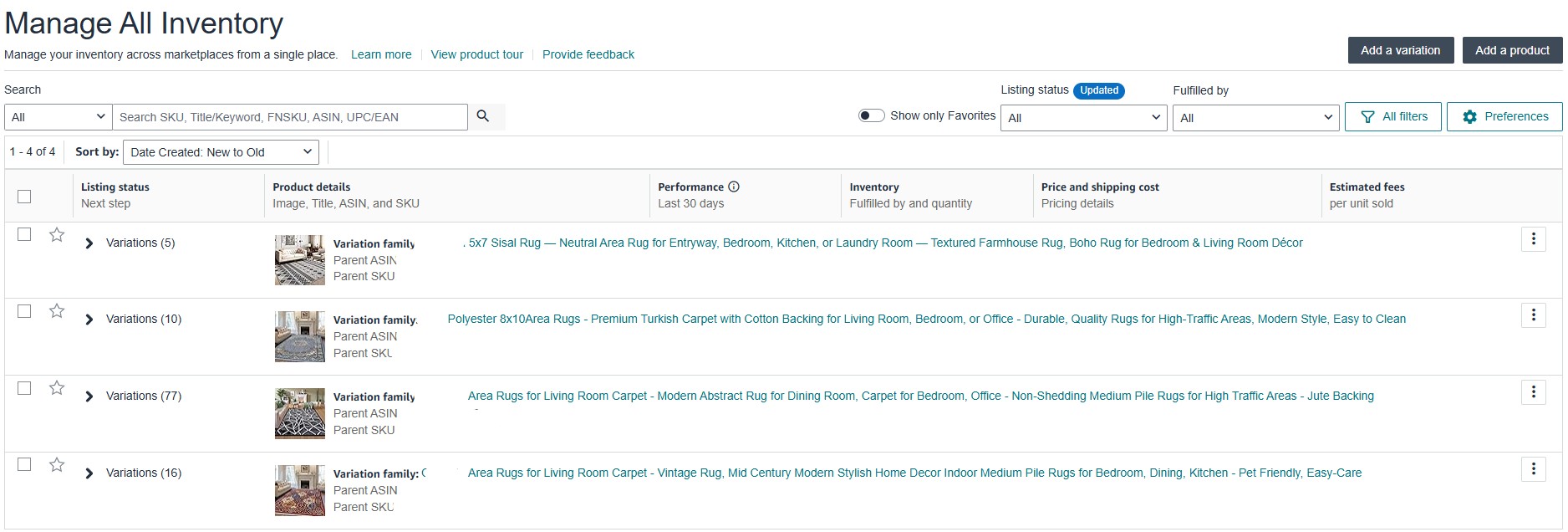
Amazon Profitability Tracker | Custom Financial Monitoring System
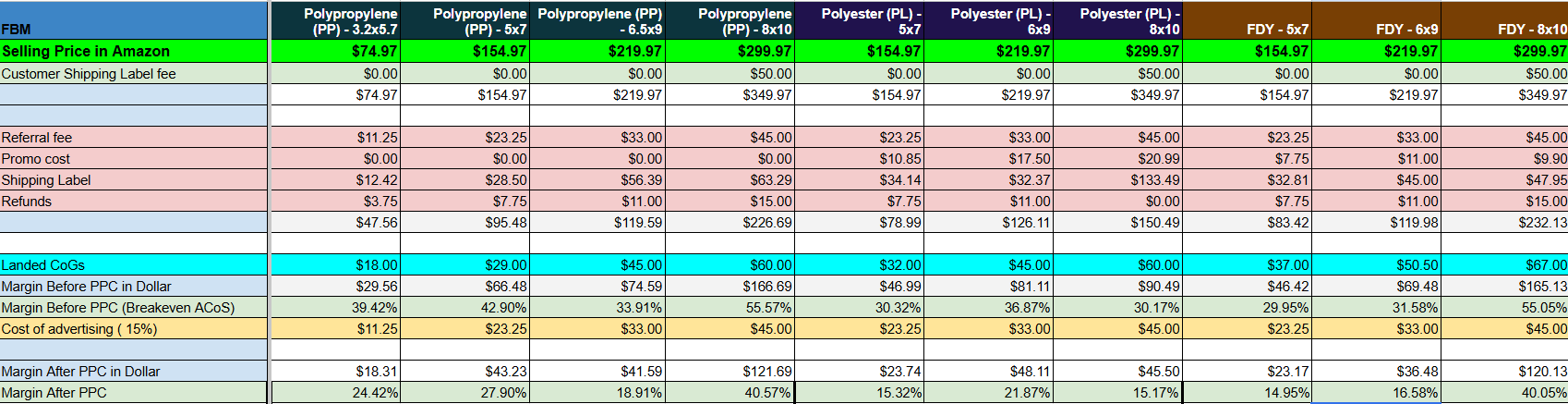
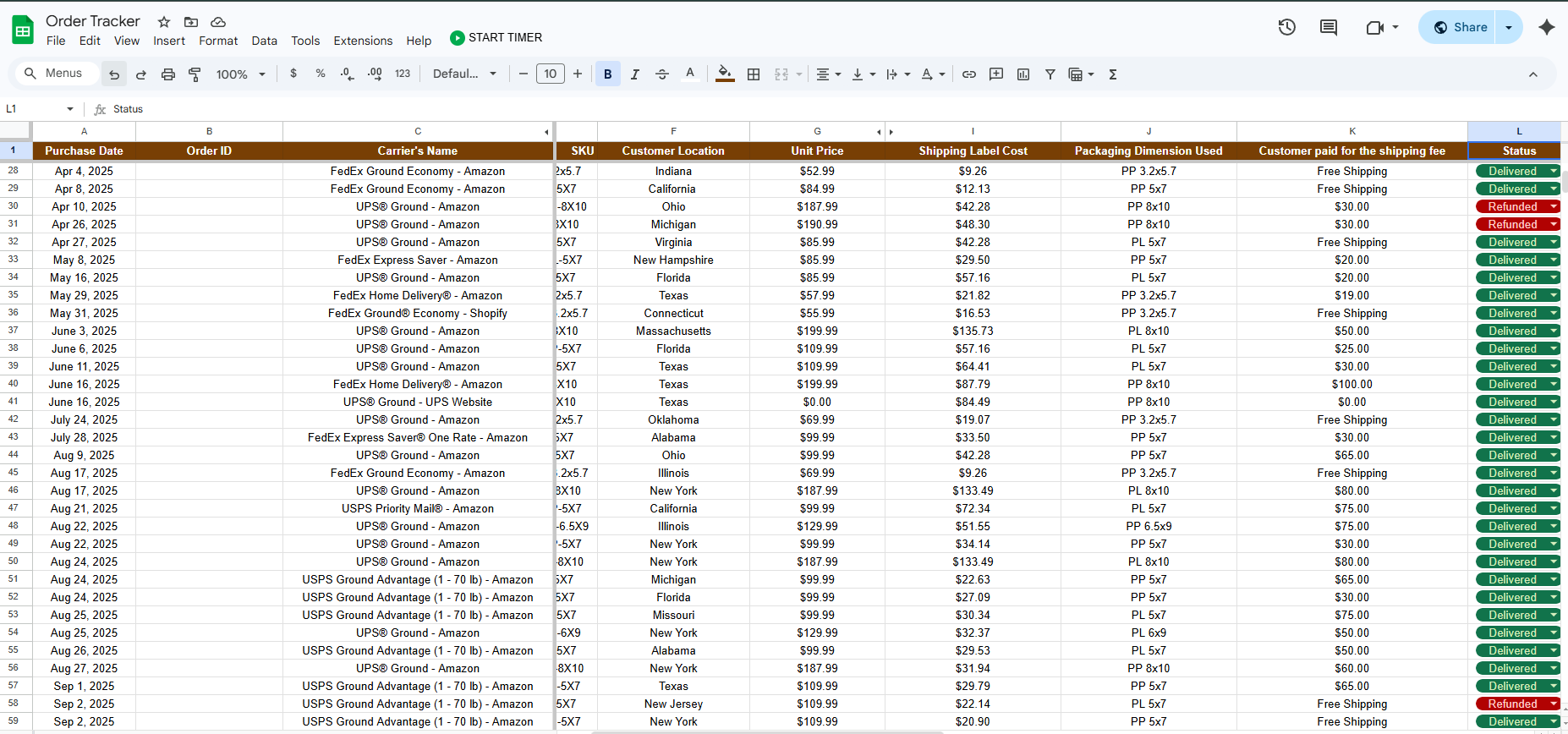
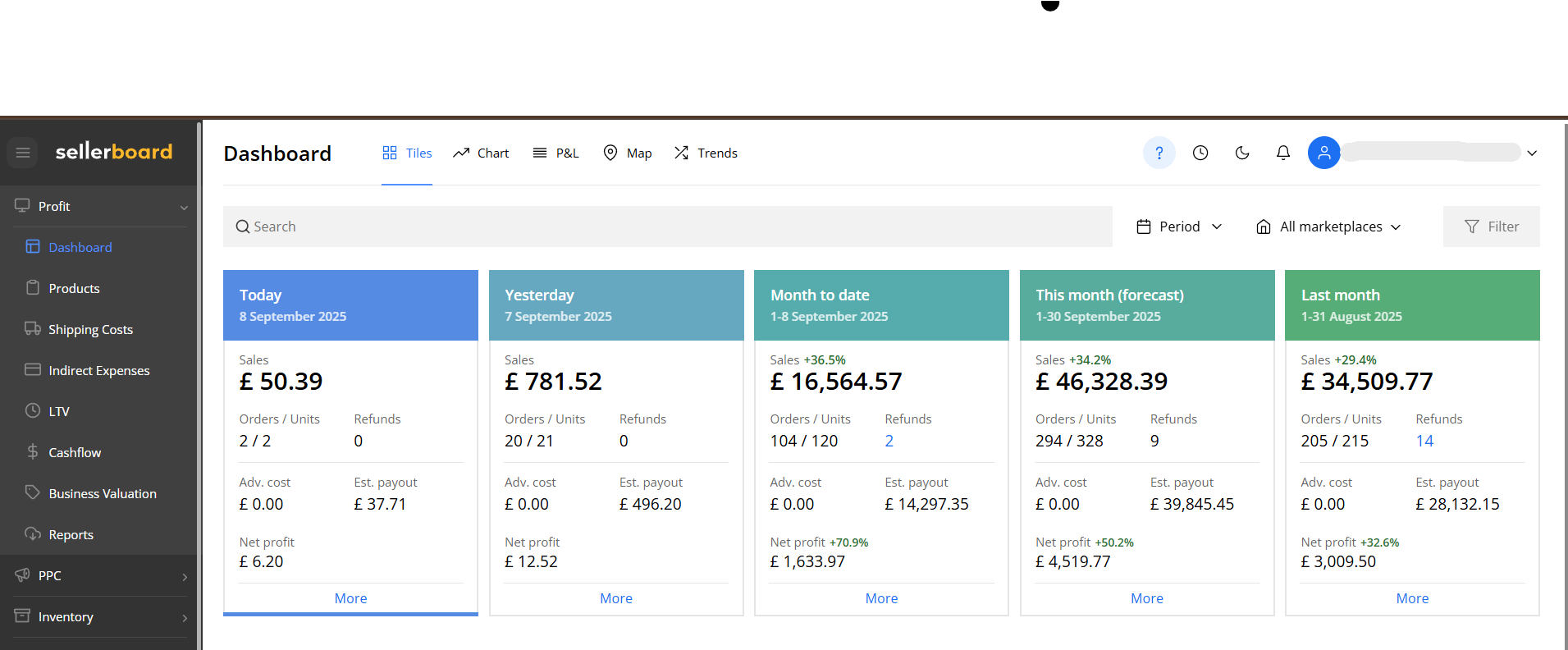
Before using Sellerboard, I created a custom Amazon Profitability Tracker in Google Sheets to accurately monitor product-level performance, costs, and margins. This helped ensure full visibility of financial data and supported better decision-making for the business.
What I Built
Custom Profitability Dashboard in Google Sheets
Automated Cost Breakdown per Product (COGS, referral fees, shipping, promo costs)
Net Profit & Margin Calculation per SKU/ASIN
Manual + Formula-Based Tracking System for Accuracy
Clean and Organized Financial Overview for Easy Analysis
Key Features
Revenue vs Expenses Tracking
FBM Profitability Tracker
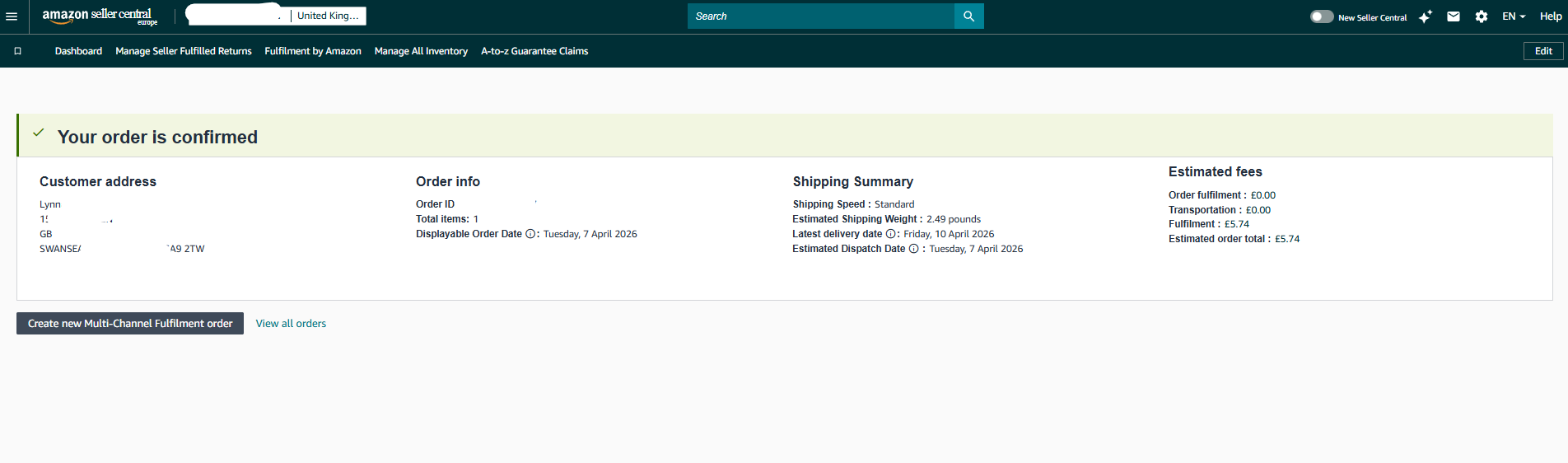
Amazon Fees Breakdown (Referral, FBA, Shipping Labels)
Promo & Discount Cost Monitoring
Per-Product Profitability Analysis
Real-Time Margin Computation
Impact & Results
Provided clear visibility of true product profitability
Helped identify high-cost areas and optimize expenses
Improved decision-making for pricing and promotions
Ensured accurate tracking even before using paid tools like Sellerboard
Skills Demonstrated
Google Sheets Automation & Formulas
Data Analysis & Financial Tracking
Amazon FBM & FBA Cost Structure Understanding
Attention to Detail & Accuracy
Problem Solving & Process Creation
My Role
I independently designed and built the profitability tracker from scratch, including formulas, structure, and reporting layout. I ensured that all relevant Amazon fees and costs were properly accounted for to reflect accurate net profit.
Why This Matters
Understanding true profitability is critical in Amazon's selling. This project shows my ability to create reliable systems for tracking financial performance, even without relying on paid tools — ensuring businesses can make data-driven decisions.